
YouTube Localizer
Make your videos work in more languages.
Translate video titles, descriptions and thumbnails in YouTube Studio. Generate new thumbnails with your own reference images.
Chrome, Brave, Edge and Firefox.
Privacy policy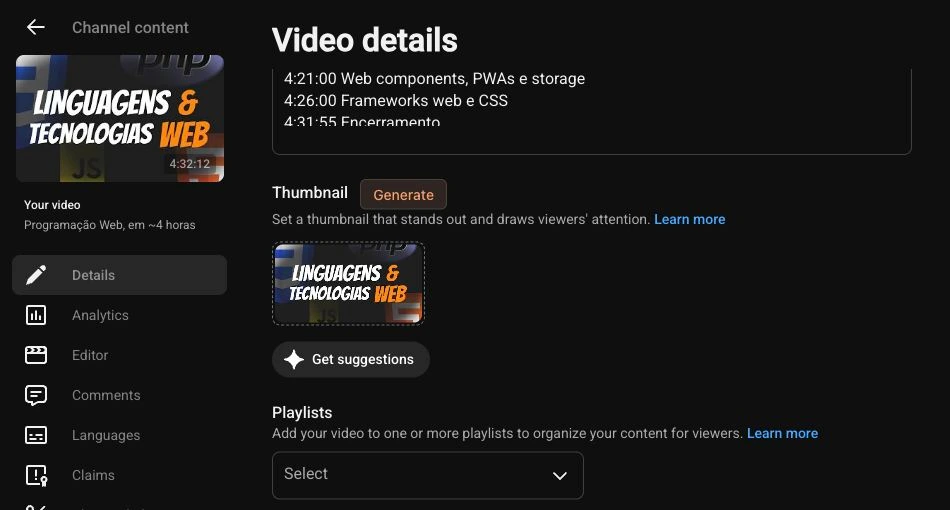
Generate a thumbnail directly from YouTube Studio.
Localize in Studio
Choose your languages, select videos in Studio Content and click Localize. The extension checks for missing titles, descriptions and thumbnail text, then generates and saves them while preserving existing translations.
Make your next thumbnail
Keep optional face, brand and style references ready. Generate original thumbnails through Fal, then download them or use them as localization sources.
Reuse paid work
Batch translations across languages for each video. Prepare each source thumbnail background once, then render translated text locally. Saved results are reused when you retry unfinished work.
Get started
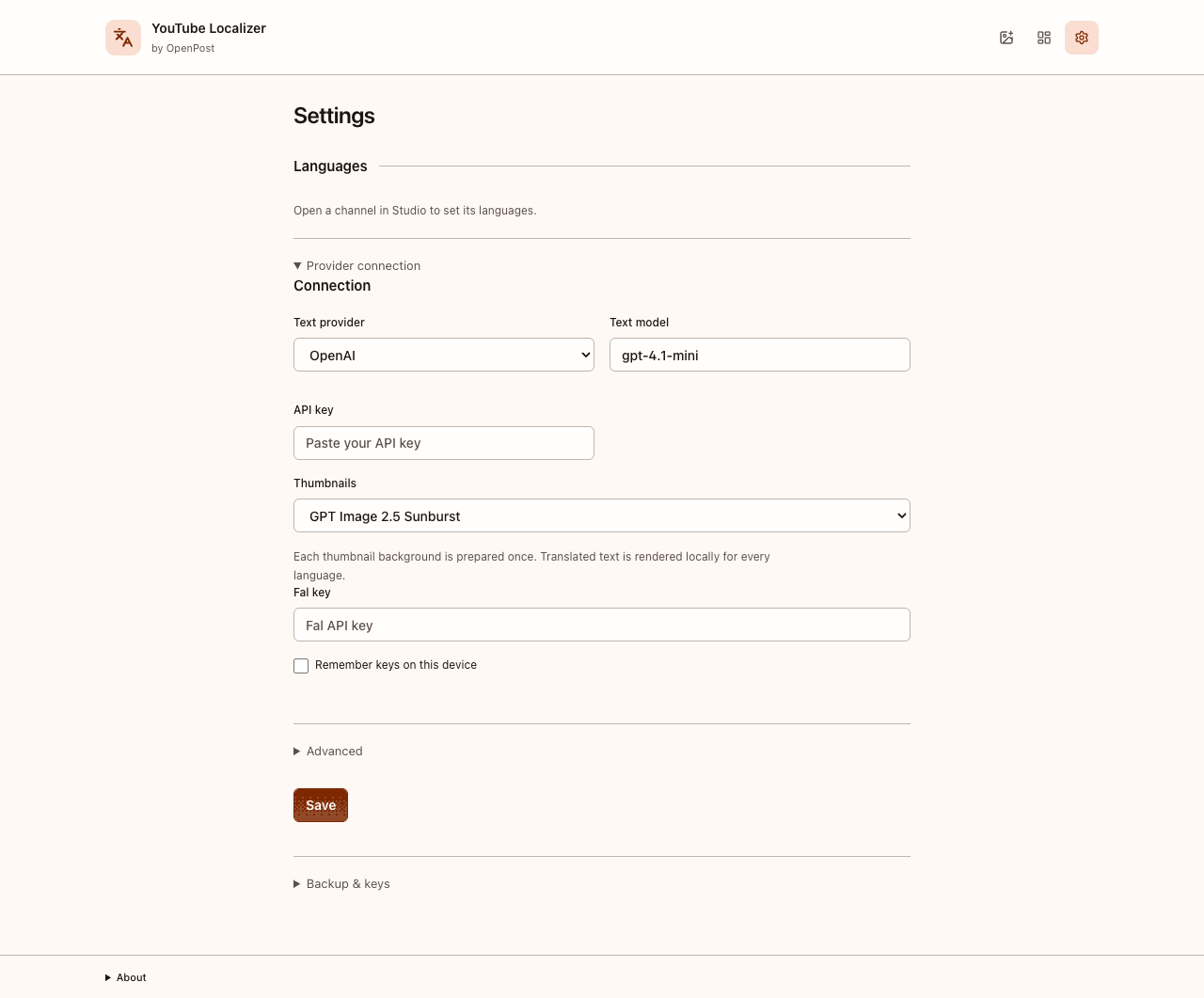
- Install the extension and open Settings.
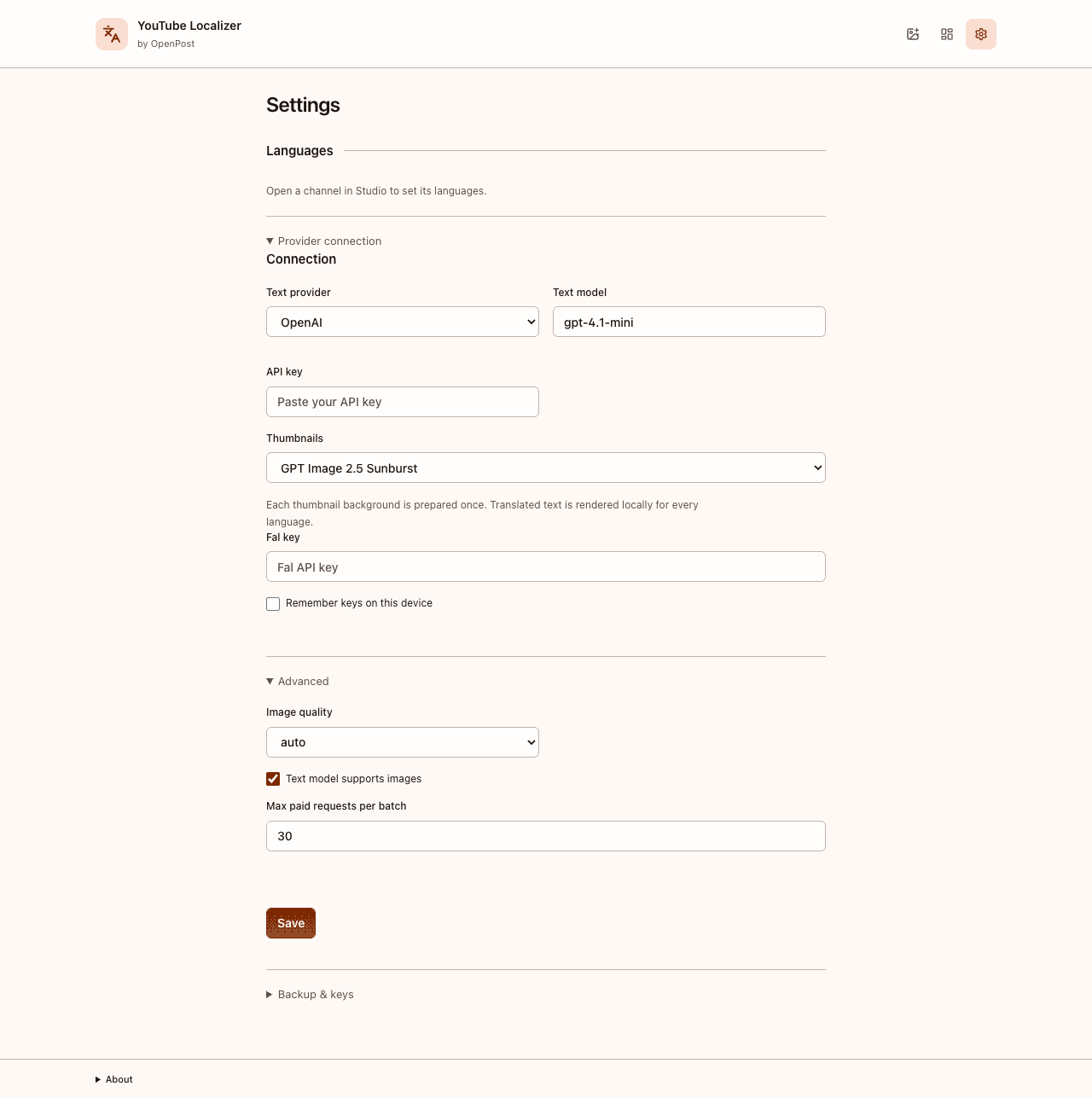
- Add your text-provider and Fal keys, then choose your target languages and components.
- With YouTube Studio in English, select videos on the Content page and click Localize.
- Wait for confirmed completion. The extension reports any items it could not save and keeps generated results for retry.
The extension is free. AI requests use your own provider keys and their pricing.
Installation instructionsPrivacy policy
Updated 12 October 2026. This policy covers YouTube Localizer, not the OpenPost hosted service.
YouTube Localizer works with your signed-in YouTube Studio session. It has no OpenPost account, backend, analytics or advertising tracking.
Data and providers
Selected video titles, descriptions, thumbnails, reference images, language coverage and channel/video identifiers are used to find missing translations and save your results. When you request generation, relevant text and images go directly to your chosen text provider or Fal. API keys authenticate those requests. Your Google password and YouTube session credentials are not sent to AI providers. Providers handle submitted data under their own policies.
Your data and deletion
Settings, job history, references and generated images stay in local extension storage. API keys are session-only unless you choose to remember them. You can forget saved keys in Settings; uninstalling removes extension storage. Uninstalling does not delete downloaded files, provider-held data or translations already saved to YouTube. Exported backups omit provider keys and account bindings.
Data use
Data is used only for requested localization and thumbnail generation. It is not sold or used for advertising or credit decisions. Linked websites have their own privacy policies. Use the contact link below for questions; do not include keys or private video data in public issues.
Contact the project